
Track Designer
Free Märklin & TRIX layout planner and designer for Windows & Mac
Join Track Designer dedicated Facebook group!
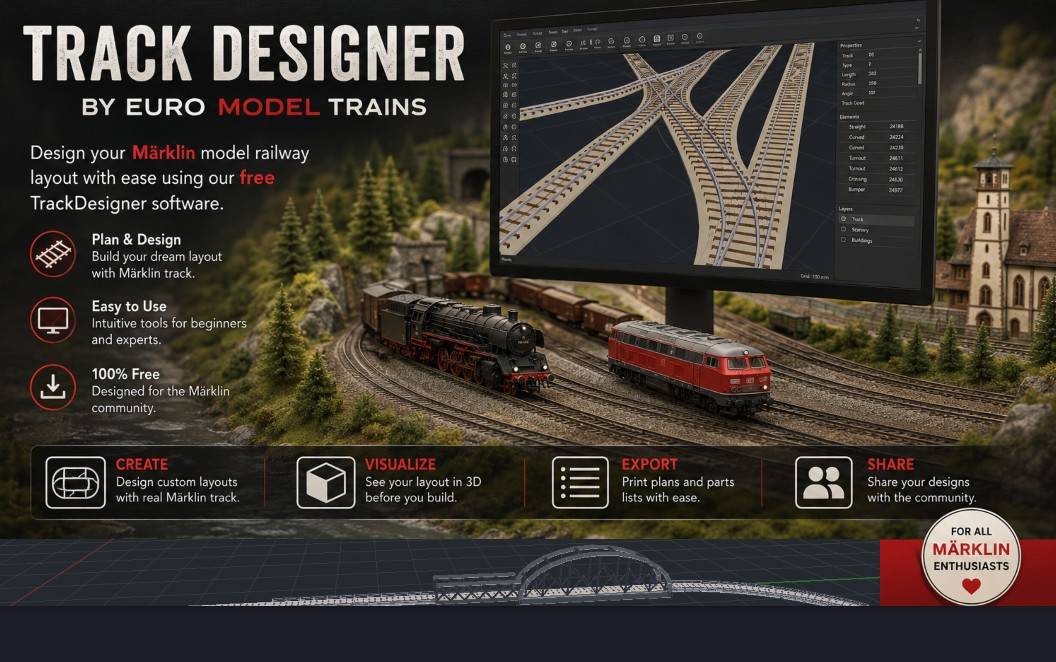
Fast Performance
Native C++ application with responsive 2D and 3D rendering. Layouts with hundreds of pieces pan, zoom, and rotate without lag.
Easy to Use
Drag pieces from the palette, drop them on the canvas, and they snap together. Intuitive enough for beginners, precise enough for veterans.
Multi-Series Catalog
Märklin C-Track, K-Track, and Z-Track plus TRIX C-Track — all the most common series, with accurate manufacturer geometry.
Autofill Gaps
Select two open endpoints and Track Designer figures out which pieces close the gap. Saves hours on complex loops and yards.
3D Visualization
Orbit your layout in 3D before you build. See ramps tilt, bridges cross, and clearances close — all with proper elevation.
Parts List Export
Live tally of every catalog number with auto-computed turnout motors and decoders. One click sends the cart to checkout.
We put together two video tutorials below.
For best results click on "Watch on YouTube"
The Basics
Advanced Topics
- What's new?
- Reported Bugs
Latest Release v1.7.1
New features:
Older versions of Mac now should be able to run program.
Selecting library item now allows placement anywhere on canvas
Release v1.7
New features:
Added Layout Wizard - automatic generation of the mainline + station
Added Bridge Wizard - design your bridge with approaches before placing it on the canvas
Further tightening of K Track curves
Release v1.6
New features:
Added M-Track
Rework of elevation: added Elevation Wizard and also added way to pick distant elevation point with specified height,
and having Autofill to build required track.
Autofill Gap now works with curves.
Enabled placing track over polygons, also added Rectangle polygon for convenience.
Release v1.5
New features:
Switched to more intuitive icon view for track selection
Added C track to M Track adapter track 24951
Fixed slight length discrepancy across several C Track pieces and wide radius turnouts.
Tighten rubber band selector
Cosmetic improvements to bumper and circuit track rendering
Release v1.4
New features:
User Experience choice: keep things playful or down to business (no images).
Polygons: preserve dimensions, enable copy/paste
Mac OS version received in app Help overhaul
Base release v1.3
September 6 2026 Older versions of Mac are unable to open program.
Resolution: Fixed code.
June 11 2026 Program crashed when attempting to Autofill gap between different types of track (C track with K Track).
Resolution: Program already prevents joining different types of tracks (unless via proper connector track) and now it also checks that Autofill is not attempted on different types of tracks.
June 11 2026 Program sometimes offers bridges to Autofill gap.
Resolution: Fixed, only common straight track is suggested.
June 12 2026 Program sometimes offers 74871 turntable extension spoke to Autofill gap.
Resolution: Fixed, only common straight track is suggested.
June 12 2026 K Track piece 2274 is rendering incorrectly
Resolution: Fixed
June 28 2026 Several C Track pieces had a tiny length discrepancy
Resolution: Fixed in v1.5
July 14 2026 Some K-Track curves were slightly off.
Resolution: Fixed in v1.6
Send all bug reports, comments and suggestions to info@euromodeltrains.com
First-time install
Track Designer isn't yet code-signed — code signing certificates cost real money and we'd rather keep the software free. Because of this, Windows and Chrome will warn you on first install.
Chrome / Edge: if the browser flags the download, click Keep when prompted.
Windows SmartScreen: when you run the installer, you'll see a blue dialog saying "Windows protected your PC." Click More info, then Run anyway. The warnings fade as more people install the software.
Installing Track Designer on Mac
- Download
TrackDesigner_vXXX.dmgand open it. - In the window that appears, drag Track Designer onto the Applications folder.
- Open Track Designer from your Applications folder.
The first time you open it, macOS will warn that it "can't be opened because Apple cannot check it for malicious software." This is normal for apps downloaded outside the App Store. To allow it:
- Click OK to dismiss the warning.
- Open your Mac's security settings:
- macOS Ventura (2022) or newer: Apple menu () → System Settings → Privacy & Security.
- macOS Monterey, Big Sur, or older: Apple menu () → System Preferences → Security & Privacy → General tab.
- Near the bottom you'll see a message that Track Designer was blocked, with an Open Anyway button. Click it.
- Open Track Designer again and confirm.
You only need to do this once — after that, it opens normally like any other app.